 Skip to content

OBD Car Diagnostics Checklist: What to Do With an OBD-II Scanner Before You Head to a Shop
If you’re in Melissa TX or the DFW area and your check-engine light just came on, an OBD-II scanner can help you gather clues before you spend money at a shop or accidentally erase valuable data.
This guide gives you a practical, step-by-step obd car diagnostics checklist you can follow with a basic OBD-II scanner. The goal is simple:
- Help you collect the right information in the right order.
- Show you what to record before clearing OBD codes.
- Explain a few simple live data checks with an OBD2 scanner.
- Make it clear when DIY stops being smart or safe and it’s time to schedule a professional Vehicle Diagnostic in Melissa TX / DFW.
Key safety reminder: A code points to a fault path, not automatically a bad part. Weak battery voltage, wiring issues, and poor connections can all create misleading codes.
For local diagnostic help on American & Japanese vehicles, you can always review our Melissa TX services here: https://lockncal.com/Melissa-TX. To look up your exact vehicle configuration, use our VIN decoder: https://lockncal.com/vin-decoder/.
What an OBD-II Scanner Can and Cannot Tell You
An OBD-II scanner is a window into how your vehicle’s computers are seeing the problem. It’s powerful—but it has limits.
- What it can do:
- Read and clear diagnostic trouble codes (DTCs).
- Show freeze-frame data (a snapshot of conditions when a fault set).
- Display live data like coolant temperature, RPM, fuel trims, and more.
- What it cannot do:
- Guarantee which part has failed.
- See physical issues like clogged filters, cracked hoses, or loose grounds on its own.
- Replace a full Vehicle Diagnostic performed with professional-grade tools and test methods.
Symptom vs. Code vs. Diagnosis
- Symptom: What you feel or see (rough idle, hesitation, hard starting, warning lights).
- Code: What the computer noticed (e.g., misfire detected on cylinder 2).
- Diagnosis: The confirmed root cause (for example, a shorted ignition coil, wiring fault, or compression issue).
Many drivers skip straight from “code” to “part shopping.” That’s how money gets wasted and problems come back. For a good example of why a code is just the starting point, see our article on a specific Ford code here: Why the Ford DTC P25B0 Code Matters.
The Main Code Families in Plain English
- P-codes (Powertrain): Engine and transmission related. These are the most common with a check-engine light.
- B-codes (Body): Interior and comfort/safety functions (locks, seats, some airbag components).
- C-codes (Chassis): ABS, stability control, suspension-related systems.
- U-codes (Network/Communication): Modules not talking to each other properly (CAN bus issues, gateway faults, etc.). These often require professional equipment. For example, see how complex a Jeep U-code can get in this article: Diagnosing and Fixing Jeep Code U1428.
Common Signs You Should Run This OBD Car Diagnostics Checklist
You don’t need to scan your car every day. But if you notice any of these, it’s time to follow the checklist.
Check Engine Light On
- Solid check-engine light with no major symptoms usually means emissions or sensor issues that need attention soon, not panic.
- Flashing check-engine light almost always means a severe misfire that can damage the catalytic converter. Stop driving and seek professional help immediately.
Rough Idle, Misfire, Poor Fuel Economy, Hard Starting
- Shaking at stoplights, stumbling when you accelerate, or poor MPG often come with P-codes for misfire, fuel trim, or sensor performance.
- Hard starting—especially after refueling—may point to EVAP or fuel-system issues.
Transmission Warning, ABS/SRS-Related Communication Issues, Intermittent Faults
- Transmission warning lights or harsh shifting can trigger P- or U-codes.
- ABS, traction control, or airbag (SRS) lights may set C-, B-, or U-codes.
- Intermittent faults that come and go can be wiring, connector, or module issues and often need a professional Vehicle Diagnostic.
Recent Battery Disconnect, Repair Work, or Parts Replacement
- A weak or recently disconnected battery can cause multiple random codes.
- New parts installed without proper calibration or programming can also trigger new faults.
- Any time major electrical work was done in the last few days, scan and record codes before clearing anything.
Before You Plug In: Pre-Scan Checklist for Better OBD Results
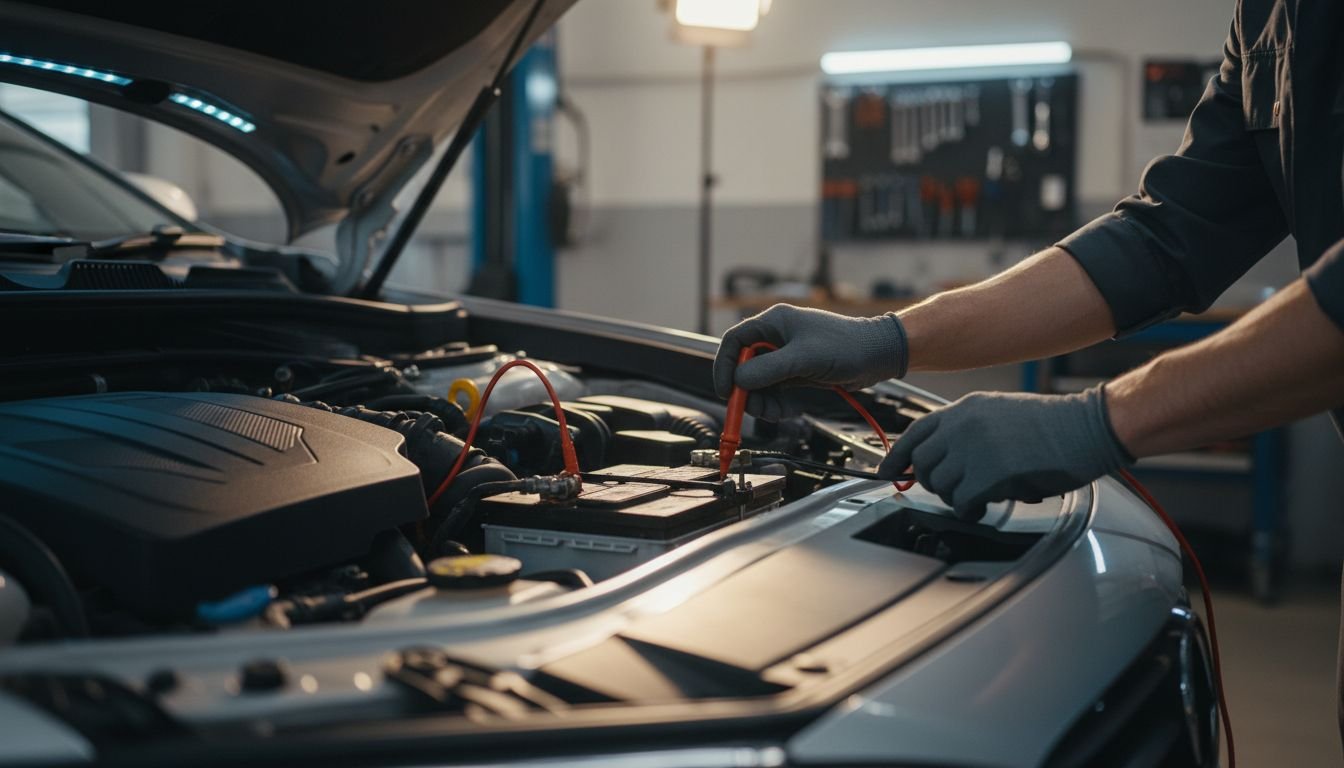
The quality of your scan results depends on what you do before you connect the OBD-II scanner.
- Check battery voltage / weak battery warning
- If cranking is slow or lights are dim, voltage may be low.
- Low voltage can create misleading or multiple codes. If possible, test or charge the battery before serious diagnosis.
- Note symptoms, sounds, smells, and recent repairs
- When did the issue start?
- Does it happen hot, cold, at idle, or under load?
- Any recent work: battery, alternator, sensors, tune-up, collision repair?
- Check fuel level (for EVAP / readiness monitors)
- Some EVAP tests only run with fuel between ~15%–85%.
- If the tank is nearly full or nearly empty, some monitors won’t complete.
- Verify whether the vehicle is safe to idle or run
- If the engine is knocking, overheating, or shaking violently, do not keep it running just to play with the scanner.
- In those cases, professional help or towing is the safer choice.
- Quick visual inspection
- Gas cap tight and in good condition?
- Any vacuum hoses obviously off or cracked?
- Any melted or damaged wiring, loose connectors, or visible fluid leaks?
- Note all warning lights on the dash
- Check-engine, ABS, traction, airbag, TPMS, battery, etc.
- Write down which are solid and which flash.
Give a Practical Checklist to Run With an OBD-II Scanner
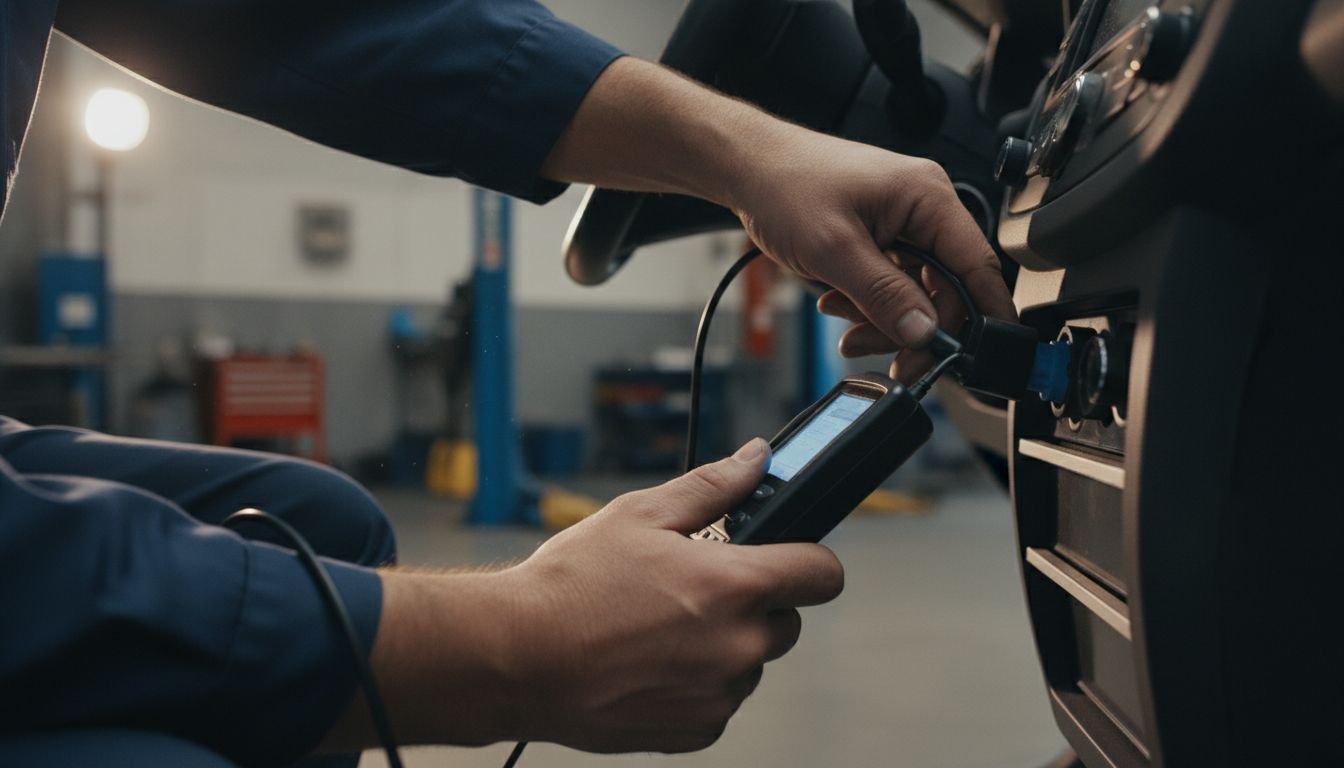
This is the centerpiece OBD-II scanner checklist. Follow these steps in order so you don’t erase important clues.
-
Step 1: Connect the Scanner Correctly
- Turn the ignition to the position your scanner recommends (usually key ON, engine OFF at first).
- Locate the OBD-II port—typically under the driver’s side dash.
- Plug in firmly; if the scanner does not power up, you may have a blown fuse or power issue.
-
Step 2: Record Stored, Pending, and Permanent Codes Before Clearing Anything
Do not hit “clear” yet. This is where many DIYers make the problem harder to solve.
- Stored codes: Confirmed faults that turned on the light.
- Pending codes: Issues the computer suspects but hasn’t confirmed yet.
- Permanent codes: Faults the system won’t clear until it sees a successful repair and drive cycle.
- Write down each code exactly (e.g., P0302, P0456) and which module reported it.
- If your scanner allows, save or email a report.
-
Step 3: Save Freeze-Frame Data First
- Freeze-frame is a snapshot of engine conditions at the moment a fault set.
- Record key values like:
- Engine RPM
- Coolant temperature
- Vehicle speed
- Load or throttle position
- Fuel trims if shown
- This helps a professional later see whether the problem happens cold, hot, at idle, or under load.
-
Step 4: Note Code Priority and Code Family
- Group codes by family:
- P-codes: Usually top priority for drivability and emissions.
- C-codes: Priority for braking and stability control.
- B-codes: May affect comfort and some safety systems.
- U-codes: Communication problems—often require professional tools.
- If you have multiple P-codes, look for a root cause (e.g., low voltage, major sensor failure) instead of chasing each code as a separate repair.
- Group codes by family:
-
Step 5: Check Common Live Data
You don’t need to be an engineer to glance at a few key numbers. These are clues, not final answers.
- Coolant temperature: After a few minutes of running, most engines will be around 185–220°F (varies by vehicle). If it never warms up or shoots toward hot, that’s important.
- Fuel trims (short-term and long-term): At idle and light throttle, values near 0% (within about ±10%) usually indicate the engine is close to its target fueling. Very high positive trims suggest a lean condition (air leak, low fuel pressure), while very negative trims suggest rich (stuck injector, sensor issue).
- O2 / air-fuel sensor activity (high level): On many vehicles, O2 sensors will switch between rich and lean at idle once the engine is warm. A flat line can indicate a problem, but interpretation is complex—treat this as a clue only.
- RPM / idle stability: Most engines idle between ~600–900 RPM. Large swings or near-stalling at idle match misfire or air/fuel issues.
- Load, MAP/MAF: At idle, load and airflow should be relatively low; at light throttle cruising, they’ll rise predictably. Sudden spikes or very low readings can indicate intake or sensor problems.
- Battery / charging voltage (if available): With the engine running, most charging systems sit roughly in the mid-13–14V range. If you’re seeing low 12s or lower, you may have a charging issue contributing to your codes.
-
Step 6: Decide Whether the Car Is Safe to Drive, Should Be Scheduled Soon, or Should Be Towed
Use this simple severity guide based on what you saw:
- Safe to monitor briefly
- Solid check-engine light, minor or no drivability changes.
- Single EVAP or small leak code, normal driving behavior.
- No overheating, no severe vibration or power loss.
- Schedule diagnostic soon
- Repeated misfire, fuel trim, or sensor codes.
- Transmission or ABS codes without severe symptoms yet.
- Multiple related P-codes or U-codes across more than one module.
- Stop driving / tow or seek immediate professional help
- Flashing check-engine light.
- Severe misfire or shaking, loss of power, stalling.
- Overheating or coolant temperature rapidly climbing.
- Multiple safety-system lights (airbag, ABS, stability) plus U-codes.
If your scan shows multiple modules involved, repeated faults, or communication issues, that’s an excellent time to book a professional Vehicle Diagnostic in the Melissa TX / DFW area instead of continuing to guess.
- Safe to monitor briefly
Soft reminder: If you reach a point where the data is confusing or the symptoms feel risky, LockNCal can perform a structured Vehicle Diagnostic on American & Japanese vehicles in Melissa TX and the greater DFW region. You can start here: https://lockncal.com/Melissa-TX.
What to Record First So You Do Not Lose Important Diagnostic Clues
Never clear codes before recording these items. Once erased, many clues are gone or much harder to reproduce.
- Stored codes: Every code number, which module set it, and whether the MIL (check-engine light) is commanded on.
- Pending codes: The “almost” faults that may turn into stored codes later—important for intermittent issues.
- Permanent codes: If present, note them separately; they tell you which faults the vehicle is tracking long-term.
- Freeze-frame snapshot:
- Engine speed (RPM) and vehicle speed.
- Coolant temperature.
- Load or throttle position.
- Fuel trims if available.
- Current symptom details: Rough idle, hesitation, hard starting, shifting flare, ABS activation, etc.
- Conditions when the problem occurs:
- Cold start vs fully warmed up.
- Idle, cruising, acceleration, or only during braking.
- After refueling, during rain, after hitting bumps, etc.
- Readiness/status info (if your scanner shows it):
- Which monitors are complete (e.g., catalyst, EVAP, O2, EGR).
- This is especially helpful if you’re close to an emissions test.
Bottom line: Treat your first scan as a “snapshot in time” that you fully document before you change anything.
Basic Live-Data Checks Beginners Can Usually Use Without Guessing
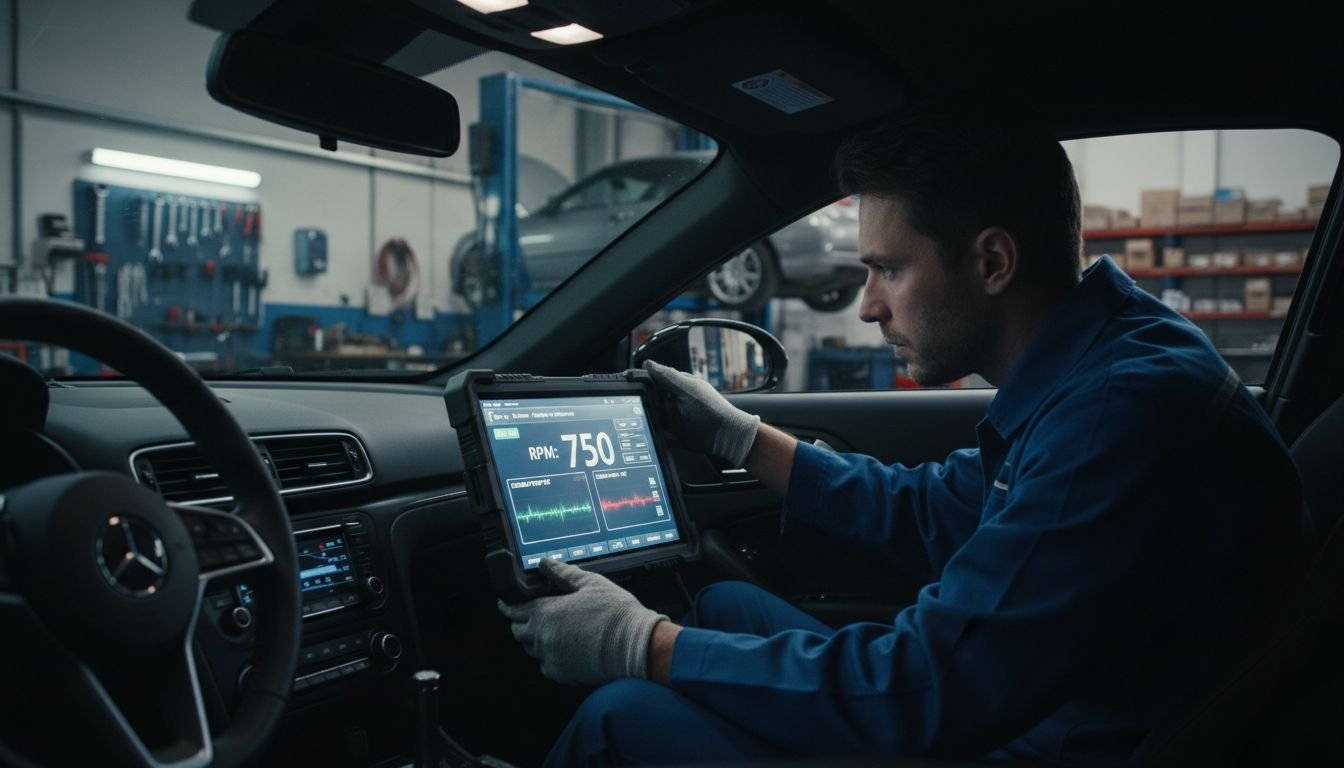
You don’t need advanced graphing to pick up on obvious problems. These checks are simple sanity tests that support your obd car diagnostics checklist.
Engine Coolant Temperature Sanity Check
- Cold engine: Coolant temperature should start near outside temperature.
- Warmed up: Most engines stabilize roughly in the 185–220°F range (varies by design).
- Red flags: Never warming up, rapidly overheating, or big swings with no fan operation visible.
Short-Term and Long-Term Fuel Trims
- At idle and light throttle, many healthy engines show trims within about ±10%.
- High positive trims: Computer is adding fuel (suspect vacuum leaks, low fuel pressure, unmetered air).
- High negative trims: Computer is removing fuel (suspect rich condition, possible injector or sensor issues).
- Don’t replace parts based on trims alone; use them as direction, not a verdict.
Idle RPM Stability
- Warm idle is usually in the 600–900 RPM range for many vehicles.
- Unstable idle: Surging, hunting, or near-stalling supports misfire or air/fuel delivery issues.
Intake Air / MAF or MAP Readings in Context
- At idle, airflow or manifold pressure should be fairly steady.
- Rapid changes at idle or unrealistic values (zero, maxed out) can point to sensor or wiring faults.
- Again, this is where a professional Vehicle Diagnostic can confirm with additional tests.
Charging System Voltage
- Engine off, healthy batteries often rest somewhere in the low-12V range.
- Engine running, most alternators keep voltage around the mid-13 to 14V range.
- Low running voltage can trigger multiple false codes and communication issues across modules.
Safe Next Steps Based on the Type of Code You Find
Here are general next steps—not a full diagnosis—for some common code categories.
If You See a Misfire Code (P0300–P030X)
- Flashing MIL + shaking: Stop driving and seek professional help immediately. Unburned fuel can damage the catalytic converter.
- Solid MIL, light misfire: Safe to drive a short distance in many cases, but schedule a Vehicle Diagnostic soon.
- Record which cylinder(s) are affected and whether it’s random (P0300) or specific (e.g., P0302).
If You See an EVAP Code (e.g., P0442, P0456)
- Check that the gas cap is tight and the seal looks intact.
- Minor EVAP leaks often won’t affect driving feel but can fail an emissions test.
- These are usually safe to monitor briefly, but if EVAP codes come back repeatedly after simple checks, schedule diagnosis.
If You See Catalyst / Fuel Trim Codes (e.g., P0420, P0171/P0172)
- These often point to mixture problems, exhaust leaks, or actual catalyst issues.
- Combine what the codes say with your fuel trim and O2 sensor observations.
- Repeated catalyst codes after previous repairs should be checked with a professional diagnostic, not just more parts.
If You See Transmission-Related Codes
- Watch for warning messages, harsh shifting, or slipping.
- If it drives normally but the light is on, schedule a Vehicle Diagnostic soon.
- If it hesitates, slams into gear, or fails to move, do not keep driving; seek professional evaluation.
If You See Body, Chassis, or Network Communication Codes (B, C, U)
- B- and C-codes: May involve airbags, ABS, traction control, or other safety systems.
- U-codes: Modules losing communication with each other—often caused by wiring, power, ground, or network faults.
- When U-codes appear across multiple modules, or when ABS/SRS lights are on together, that’s a strong sign you need a professional Vehicle Diagnostic with factory-level tools.
- For an example of how involved these can be, see: Diagnosing and Fixing Jeep Code U1428.
When DIY OBD Checks Stop Being Smart in Melissa TX
Consumer-grade scanners are useful, but they have real limits—especially with modern American & Japanese vehicles in the Melissa TX and DFW area.
- Limits of consumer scanners:
- Often can’t access all modules (airbag, ABS, body, advanced transmission functions).
- May give generic code definitions without manufacturer-specific detail.
- Lack the ability to run guided tests, bi-directional controls, or programming procedures.
- Situations where a professional Vehicle Diagnostic is needed:
- No-code symptoms: Obvious problems (stalling, harsh shifting, warning chimes) with no or minimal codes stored.
- Multiple modules involved: Engine, transmission, ABS, and body codes all at once.
- Repeat codes after repairs: Codes come back quickly after part replacement or after you clear them.
- Battery/voltage issues: Intermittent no-start, dim lights, and clusters of communication codes.
- Safety-system warnings: Airbag (SRS) lights, ABS, stability control, or seatbelt pretensioner faults.
If your checklist points to these higher-risk patterns, that’s the time to schedule a structured Vehicle Diagnostic with a specialist. In Melissa TX and across DFW communities like McKinney, Plano, Frisco, and Dallas, LockNCal focuses on diagnostic and safety-related services for American & Japanese vehicles. You can learn more here: https://lockncal.com/Melissa-TX.
Important Safety Warnings Before You Keep Driving or Start Disconnecting Parts
Certain systems in your vehicle can cause serious injury if handled incorrectly. Treat these warnings seriously.
- Airbag (SRS) systems may contain explosive devices.
- Airbags and seatbelt pretensioners use pyrotechnic charges.
- Do not casually unplug yellow connectors, probe airbag wiring with test lights, or remove SRS modules without following manufacturer safety procedures.
- Improper handling can cause accidental deployment leading to injury.
- For a deeper look at SRS-related diagnostics, see: Understanding and Fixing DTC C056E-47 in Chevrolet Vehicles | Airbag System Repair in Melissa, TX.
- Do not clear safety-system codes just to turn lights off.
- Clearing ABS, SRS, or stability control codes without addressing the cause does not restore safety functions.
- In some cases, clearing codes can hide patterns that a professional would use to pinpoint the issue.
- Be cautious around high-voltage and high-current circuits.
- Starter circuits, alternators, and some electric vehicle systems carry dangerous current or voltage.
- If you’re unsure, do not probe or jump connectors; schedule a diagnostic instead.
- This article is a pre-shop checklist, not permission to bypass safety procedures.
- Use it to collect better information, not to override common sense or manufacturer recommendations.
When to Book a Professional Vehicle Diagnostic in DFW
If you’re in Melissa TX or the broader DFW area (Plano, McKinney, Frisco, Dallas, Fort Worth, and surrounding communities) and you see any of these red flags, it’s time to move from DIY scanning to a professional Vehicle Diagnostic:
- Flashing MIL (check-engine light) at any point.
- Overheating pattern in your coolant temperature data or on your gauge.
- Severe misfire / shaking at idle or while driving.
- Stalling at stops, during turns, or at highway speeds.
- Multiple module communication faults (clusters of U-codes).
- Recurring codes after you’ve cleared them or replaced parts.
- Airbag, ABS, or stability control lights combined with C-, B-, or U-codes.
In these situations, continuing to drive or guess at parts can be unsafe or expensive. A professional Vehicle Diagnostic using advanced scan tools, wiring diagrams, and test procedures is the safer, more cost-effective next step.
LockNCal serves drivers across Melissa TX and DFW with focused diagnostic and safety-system services for American & Japanese vehicles. To get started, you can review service options here: https://lockncal.com/Melissa-TX. If you’re unsure about your exact vehicle, decode your VIN here first: https://lockncal.com/vin-decoder/.
Final Quick OBD Car Diagnostics Checklist
Here’s a condensed version you can screenshot and keep on your phone.
- Pre-scan:
- Check for weak battery / slow crank.
- Note all symptoms and recent repairs.
- Verify the car is safe to idle (no knocking, no overheating).
- Do a quick visual check: gas cap, hoses, wiring, fluid leaks.
- Connect scanner:
- Key ON as directed by the scanner.
- Plug into OBD-II port firmly.
- Record codes (do not clear yet):
- Stored, pending, and permanent codes.
- Which modules set which codes.
- Save freeze-frame data:
- RPM, speed, coolant temp, load/throttle, fuel trims (if shown).
- Check live data basics:
- Coolant temperature behavior.
- Fuel trims at idle/light throttle.
- Idle RPM stability.
- Battery/charging voltage (if available).
- Decide severity:
- Safe to monitor briefly: Mild symptoms, solid MIL, no overheating.
- Schedule diagnostic soon: Repeated codes, drivability changes, transmission/ABS lights.
- Stop driving / seek help now: Flashing MIL, severe misfire, stalling, overheating, multiple safety lights.
- Know when to call a pro:
- Multiple modules or U-codes.
- Recurring codes after clearing or parts replacement.
- Any SRS/airbag or major ABS/stability issues.
FAQs
1. What should I record before clearing OBD-II codes?
Before you clear anything, record:
- All stored, pending, and permanent codes with their exact numbers.
- Which modules set each code.
- Freeze-frame data for each major code (RPM, speed, coolant temp, load, fuel trims).
- Your current symptoms and when they occur (cold, hot, idle, cruise, acceleration).
- Readiness monitors status if your scanner shows it.
Once codes are cleared, you lose this “snapshot,” which makes accurate diagnosis harder.
2. What is the difference between stored, pending, and permanent codes?
- Stored codes: Confirmed faults that met the criteria to turn on the MIL (check-engine light) or log a fault.
- Pending codes: Suspected issues that the computer has seen once but hasn’t confirmed yet.
- Permanent codes: Codes that stay in memory until the vehicle confirms the problem is resolved through specific drive cycles—not just code clearing.
Understanding pending vs stored vs permanent codes helps you see whether an issue is new, intermittent, or long-standing.
3. Can an OBD-II scanner tell me exactly which part to replace?
No. A scanner points you toward a fault area or circuit, not a guaranteed failed part. For example, a sensor code might be caused by the sensor, the wiring, the connector, a ground problem, or even another component upstream. That’s why a structured Vehicle Diagnostic—with proper testing—is often cheaper in the long run than guessing and replacing parts.
4. What live data should I check first with a basic scanner?
For most beginners, start with:
- Coolant temperature (cold vs warm behavior, overheating).
- Fuel trims at idle and light throttle.
- Idle RPM stability.
- Battery/charging voltage if the scanner shows it.
These are simple sanity checks that support your codes; they are not final proof of any one failed part.
5. Is it safe to drive with a check-engine light after scanning the codes?
It depends on severity:
- Flashing check-engine light: Not safe. Park the car and seek professional help or towing.
- Solid check-engine light with mild or no symptoms: Often safe for short trips, but you should schedule a Vehicle Diagnostic soon.
- Any severe misfire, stalling, or overheating: Do not keep driving just because you have the codes; the risk of engine or catalyst damage is high.
6. Why did my car show multiple codes after a weak battery or recent repair?
Low system voltage or unstable power during cranking, jump-starting, or repair work can make multiple modules reset, lose communication, or log voltage-related faults. That’s why weak battery voltage can create misleading codes. If you see a cluster of unrelated codes after a battery issue, it’s wise to:
- Inspect and correct the battery/charging problem first.
- Then rescan, record codes, and consider a professional Vehicle Diagnostic if problems continue.
7. When should I book a professional vehicle diagnostic in Melissa TX or DFW?
Book a professional Vehicle Diagnostic when:
- You have multiple modules with faults, or clusters of U-codes.
- The same codes return after clearing or replacing obvious parts.
- You’re dealing with airbag, ABS, or stability control warnings.
- You experience flashing MIL, severe misfire, stalling, or overheating.
- Your consumer scanner can’t access certain modules or functions you need.
Drivers in Melissa TX and throughout DFW can start here to explore diagnostic options for American & Japanese vehicles: https://lockncal.com/Melissa-TX. To verify your vehicle details beforehand, use our VIN decoder: https://lockncal.com/vin-decoder/.


